HYPER TEXT MARKUP LANGUAGE
HTML (Hypertext Markup Language) is the standard markup language for documents designed to be displayed in a web browser. It can be assisted by technologies such as Cascading Style Sheets and scripting languages such as JavaScript.Hyper text markup language is a formal approach for displaying the context in a html file. Html file is a text file having syntax and conventions which provides the flexibility to design a basic webpage of our own choice. Html is used for designing web pages with contain hypertext links that recommends related additional information. The latest version of html is HTML5.

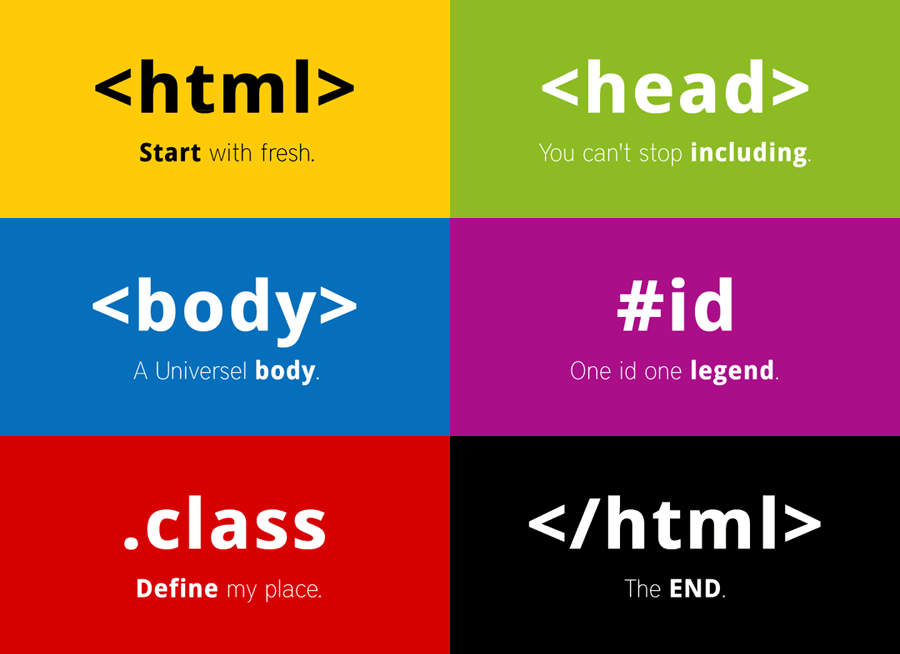
HTML Document is mainly divided into two parts:
-
HEAD :
- This contains the information about the HTML document.For Example, the Title of the page, version of HTML, Meta Data, etc.
- This contains everything you want to display on the Web Page.
BODY :
Web Pages can be created and modified by using professional HTML editors. However, for learning HTML we recommend a simple text editor like NotePad(pc) or TextEdit(Mac).
As Shown in below, write the html code in notepad and save the file with an extension of ".html".
Now, open the file that you have saved you will observe an OUTPUT for this code..

- The <!DOCTYPE html> declaration defines that this document is an HTML5 document.
- The ><html> element is the root element of an HTML page.
- The <head> element contains meta information about the HTML page.
- The <title> element specifies a title for the HTML page (which is shown in the browser's title bar or in the page's tab).
- The <body> element defines the document's body, and is a container for all the visible contents, such as headings, paragraphs, images, hyperlinks, tables, lists, etc.
- The <h1> element defines a large heading.
- The <p> element defines a paragraph.
HTML tags are like keywords which defines that how web browser will format and display the content. With the help of tags, a web browser can distinguish between an HTML content and a simple content.
An HTML file must have some essential tags so that web browser can differentiate between a simple text and HTML text. You can use as many tags you want as per your code requirement.
- All HTML tags must enclosed within < > these brackets.
- Every tag in HTML perform different tasks.
- If you have used an open tag <tag>, then you must use a close tag < /tag> (exception for some tags).
There are two types of tags:
PAIRED TAGS:
These tags come in pairs. That is they have both opening(< >) and closing(< />) tags. Here are some of the paired tags which are commonly used in the html file.
- <html>...</html>
The html tag in HTML is used to define the root of HTML and XHTML documents. - <head>...</head>
The head tag in HTML is used to define the head portion of the document which contains information related to the document. - <body>...</body>
The body tag in HTML is used to define the main content present inside an HTML page. - <b>...</b>
The bold tag in HTML is used to specify the bold text without any extra importance. - <p>...</p>
The <p> tag in HTML defines a paragraph. These have both opening and closing tags. - <font>...</font>
The font tag in HTML plays an important role in the web page to create an attractive and readable web page. - <div>...</div>
The div tag is used in HTML to make divisions of content in the web page (text, images, header,footer, navigation bar, etc). - <table>...</table>
HTML Table is an arrangement of data in rows and columns, or possibly in a more complex structure. - <li>...</li>
The list tag in HTML is used to define the list item in an HTML document. It is used within an Ordered List <ol> or Unordered List.<ul>
These tags do not require to be closed. Here are few of the tags which are used in html.
- <br>
The break tag inserts a single carriage return or breaks in the document. This element has no end tag. - <basefont>
This tag is used to set the default text-color, font-size, & font-family of all the text in the browser. - <hr>
The hr tag in HTML stands for horizontal rule and is used to insert a horizontal rule. - <wbr>
The wbr tag is used to define the position within the text which is treated as a line break by the browser. - <track>
The tracking tag specifies text tracks for media components audio and video. - <embed>
It is used as a container for embedding plug-ins such as flash animations. - <area>
This area tag is used in an HTML document to map a portion of an image to make it clickable by the end-user.
Comments
Post a Comment